
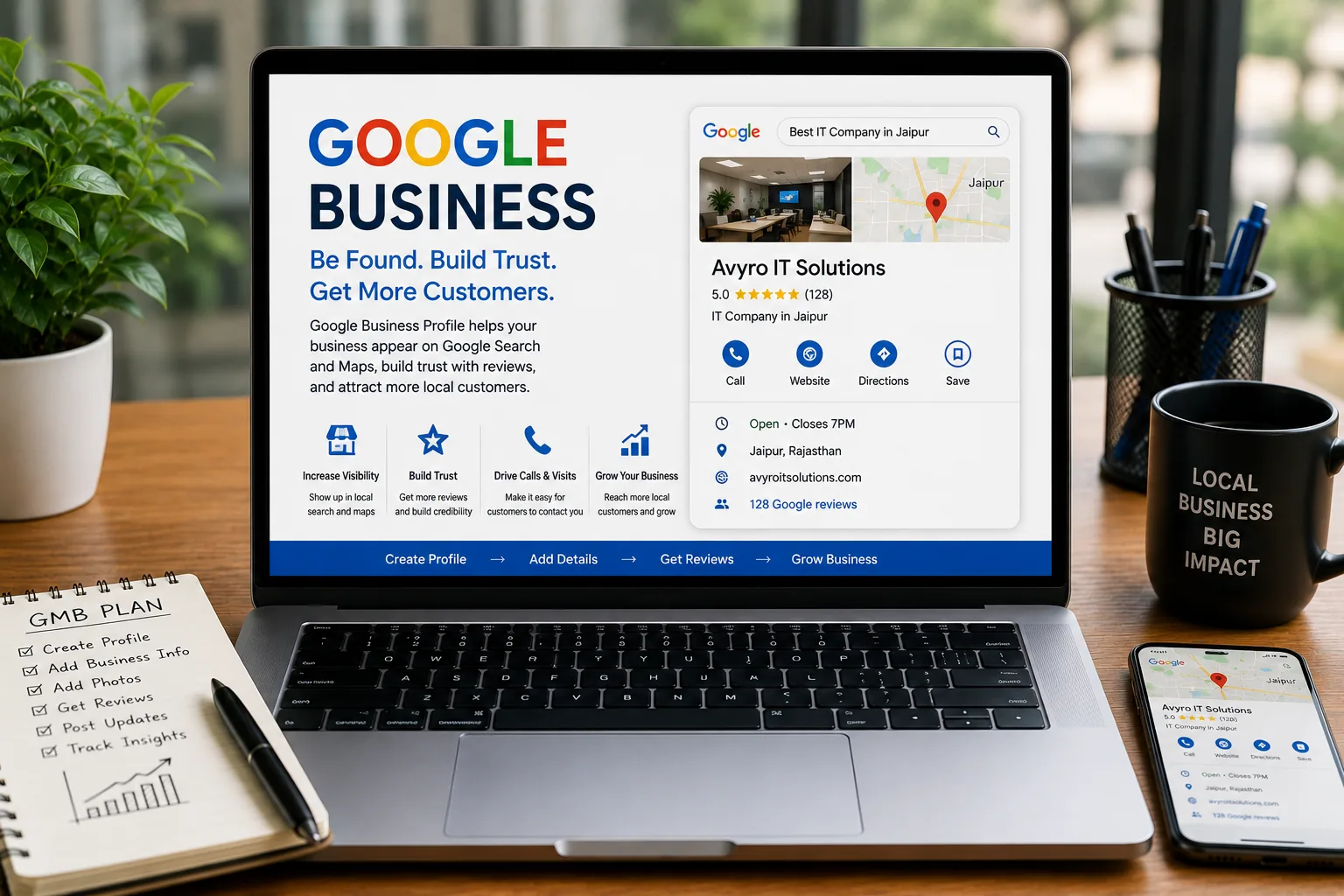
When people need a nearby service, they often search online before deciding where to go. They may check the business name, location, opening hours, reviews, photos or contact details before making a call or visiting.
This is where Google Business Profile can be useful for local businesses. A complete and accurate profile gives customers a convenient place to find basic information about the business.
What Is Google Business Profile?
Google Business Profile is a free business listing that allows eligible businesses to manage how their information appears across Google services such as Search and Maps.
Businesses can provide information such as their name, address or service area, phone number, website, business hours and other relevant details.
1. Keep Your Business Information Accurate
Start with the basics. Your business name, phone number, website, address or service area and opening hours should accurately represent your business.
Incorrect information can create unnecessary confusion. If your opening hours change or your contact details are updated, make sure the profile reflects the change.
2. Choose the Most Relevant Category
Your business category helps describe what your business does. Choose the category that best represents your main business rather than trying to add unrelated categories.
Additional categories may be useful when they genuinely describe services offered by the business. The goal should be accuracy, not adding as many categories as possible.
3. Describe Your Services Clearly
Customers should be able to understand what you offer without having to search through several different pages.
Add relevant services and explain them in simple language. For example, a digital marketing company can clearly list services such as SEO, social media marketing and Google Ads when those services are actually offered.
4. Add Useful Business Photos
Photos can help potential customers understand what a business looks like and what they can expect when they contact or visit it.
Use genuine images that represent your business. Depending on the type of business, useful photos may include the workplace, team, products, completed work or storefront.
5. Encourage Genuine Customer Reviews
Reviews can help potential customers understand other people's experiences with a business. They can also make a business profile feel more complete and trustworthy.
If customers are happy with your service, you can politely ask them to share their experience. Reviews should be genuine and should reflect real customer interactions.
6. Respond to Customer Reviews
Replying to reviews shows that the business pays attention to customer feedback. A short and genuine response is usually better than using the same reply for every customer.
For positive feedback, thank the customer. If someone raises a genuine concern, respond professionally and try to move the conversation toward a useful solution.
7. Keep the Profile Active and Updated
Businesses change over time. New services may be introduced, opening hours may change and important announcements may need to be shared.
Review your profile regularly and update information whenever something changes. Keeping the listing accurate is more useful than constantly making changes without a reason.
8. Connect Your Website With Your Local Presence
Your Google Business Profile and website should provide consistent information about your business.
Make sure the website clearly explains your services and provides useful contact information. Local customers should be able to move easily from your business listing to the relevant page on your website.
Common Google Business Profile Mistakes
- Using inaccurate business information
- Choosing unrelated categories
- Adding misleading business details
- Using stock images instead of genuine business photos
- Ignoring customer reviews
- Leaving outdated opening hours
- Adding keywords unnaturally to the business name
- Creating information that does not match the actual business
How It Supports Local SEO
A Google Business Profile is one part of a broader local SEO strategy. Your website, business information, customer reviews and other online references should work together to give customers a clear picture of your business.
For a business serving Jaipur, for example, the website and business profile should clearly communicate the services offered and the areas actually served. Local information should always be written for people first rather than repeated simply to target keywords.
Final Thoughts
A Google Business Profile does not need to be complicated. Start by providing accurate information, selecting relevant categories, adding genuine photos and keeping the profile updated.
Pay attention to customer reviews and make sure your website supports the same information. These simple steps can create a better experience for people who are searching for your business locally.